Florist order management that keeps up with your week.
Orders from your website and from the phone, in one list. One order can go to several people. Print what you and the driver need, and tell the customer when their flowers are ready.
Orders you can find
Orders appear as a list on a laptop and as cards on a phone. Filter by status and by delivery date, search for a name or an order number, and hide cancelled orders when you want a calmer list.
A chime and a banner tell you when a new order arrives, and you choose the sound.
One order page, one place
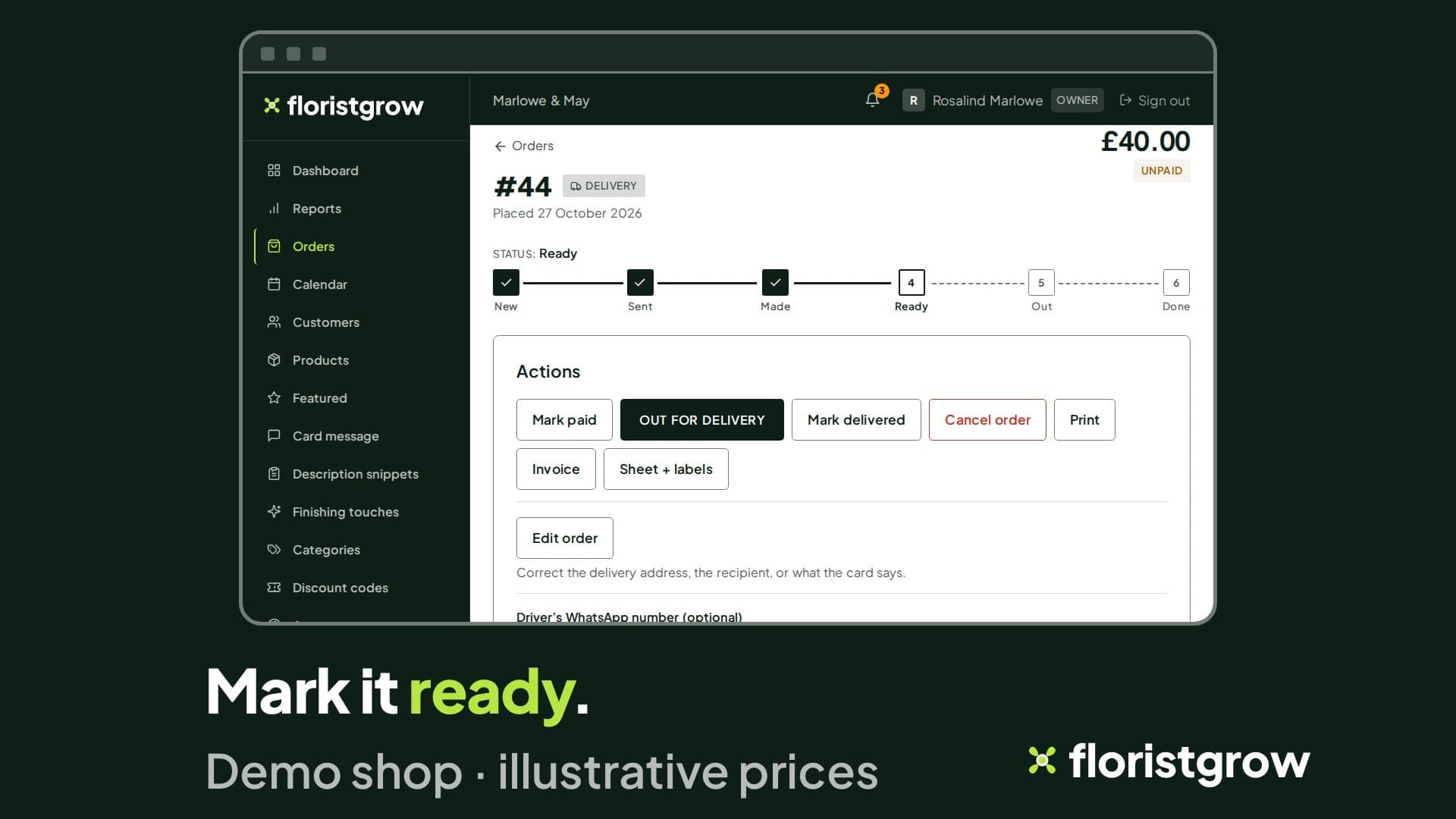
Open an order and you see the items, the delivery address, the recipient, the card message, the payment state and where the order has got to, all together. Private notes are visible to your team only. A red “needs your attention” flag appears if something about the date needs a second look.
Mark an order ready, then delivered or collected. The customer gets the matching email, in your shop’s colours, when the order is placed, when it is ready, when it is delivered, if it is cancelled, and if its date moves.
Phone and walk-in orders
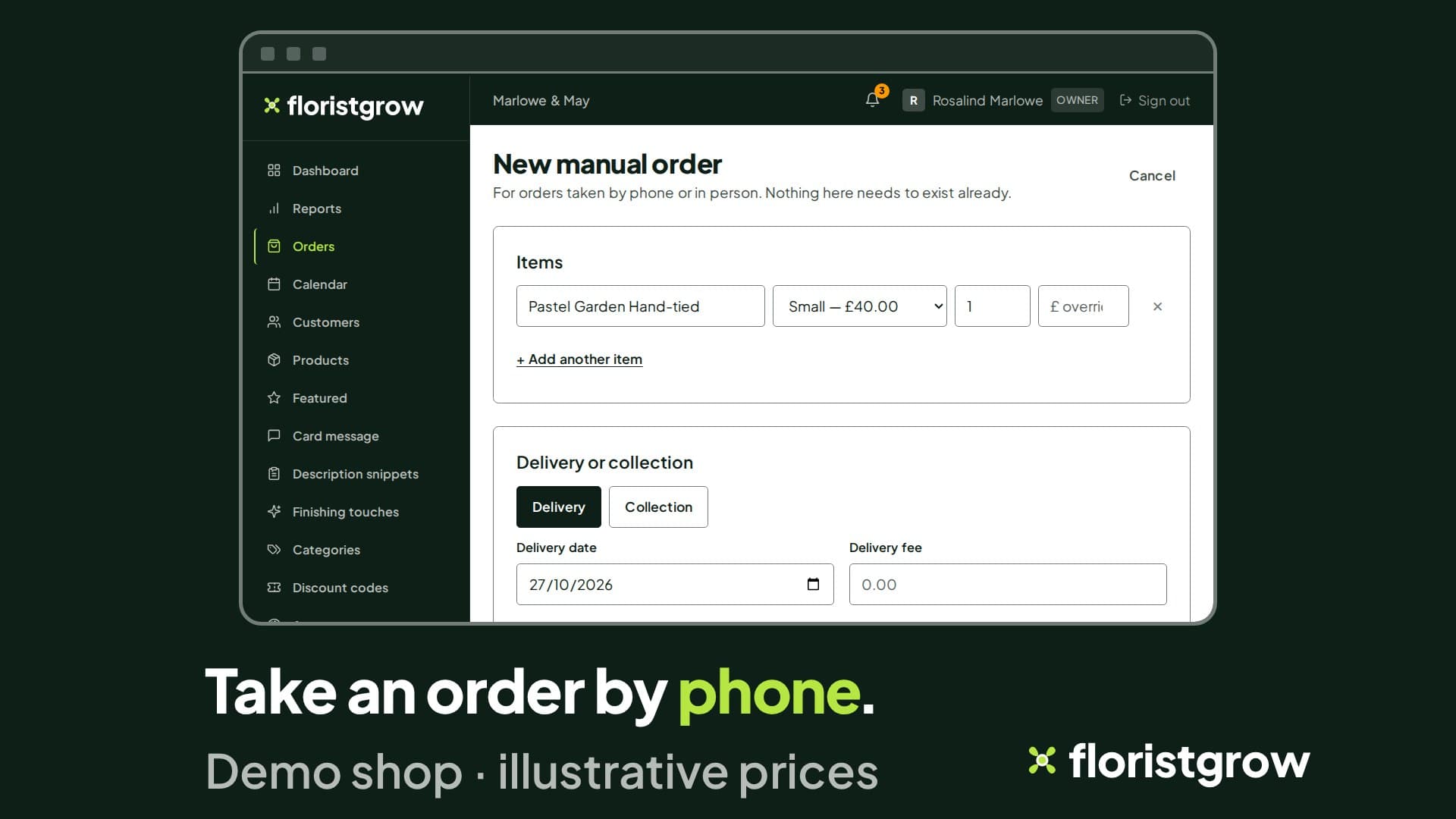
Take an order over the counter or on the phone. Look up a customer you already have, choose the products, add the recipient, card message, date and occasion, and record whether it is paid. It is an order form, not a till.
Placed an order and the customer rings to change the date, the address or the card message? Edit the order and save. If the date moves, the customer is emailed.
One order, several recipients
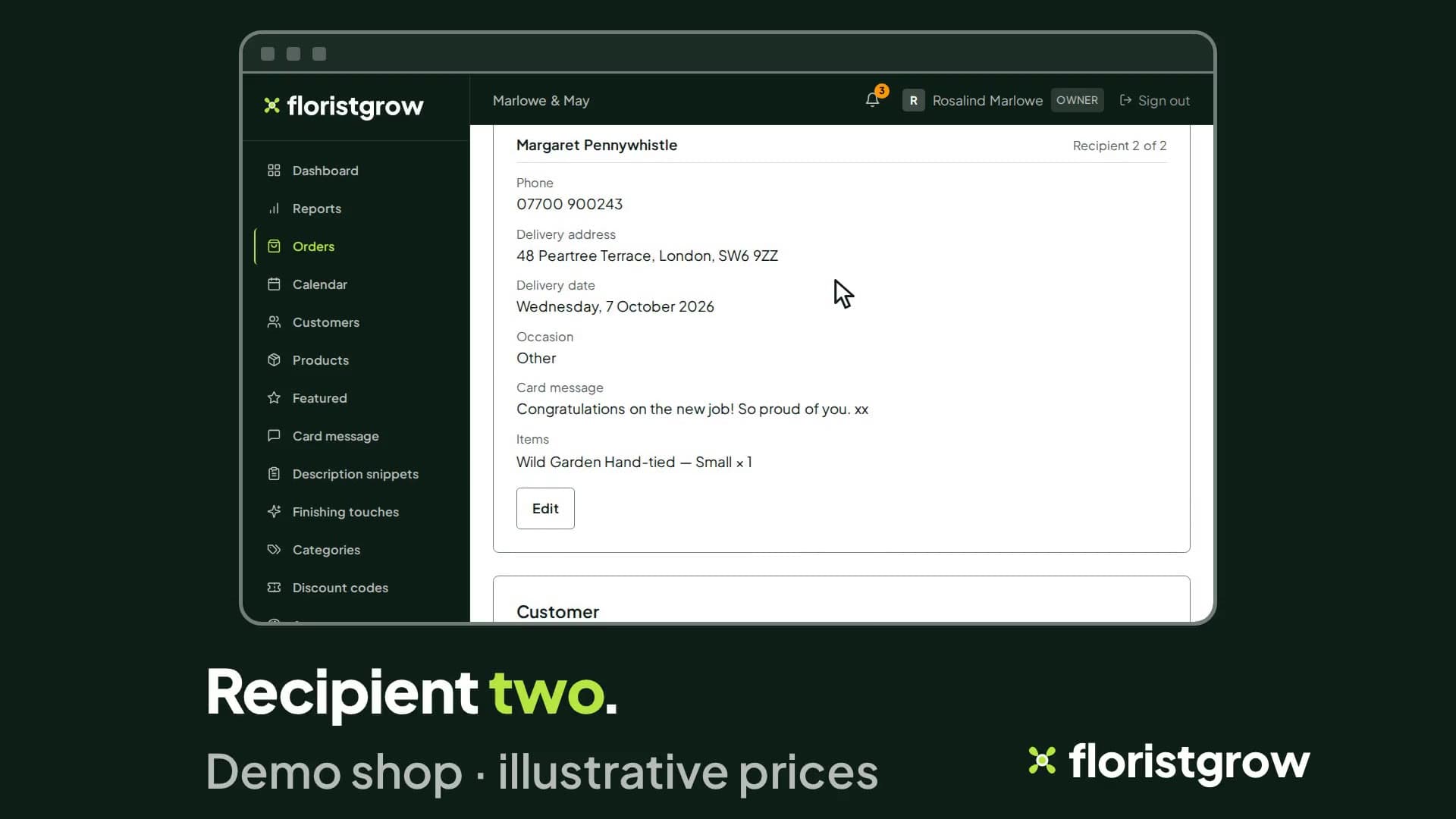
A customer can send one order to several people. Each recipient has their own address, card message and date. You see each recipient separately, correct one without touching the others, and move an item from one person to another. If the number of deliveries changes, the page shows the difference. You set a fee for each extra address, and the portal shows the fee difference after an edit.
Funeral orders
Mark an order as a funeral, add the funeral details and tick if a funeral director is involved. Those details travel with the order.
Print slips and labels
Every order has two print options.
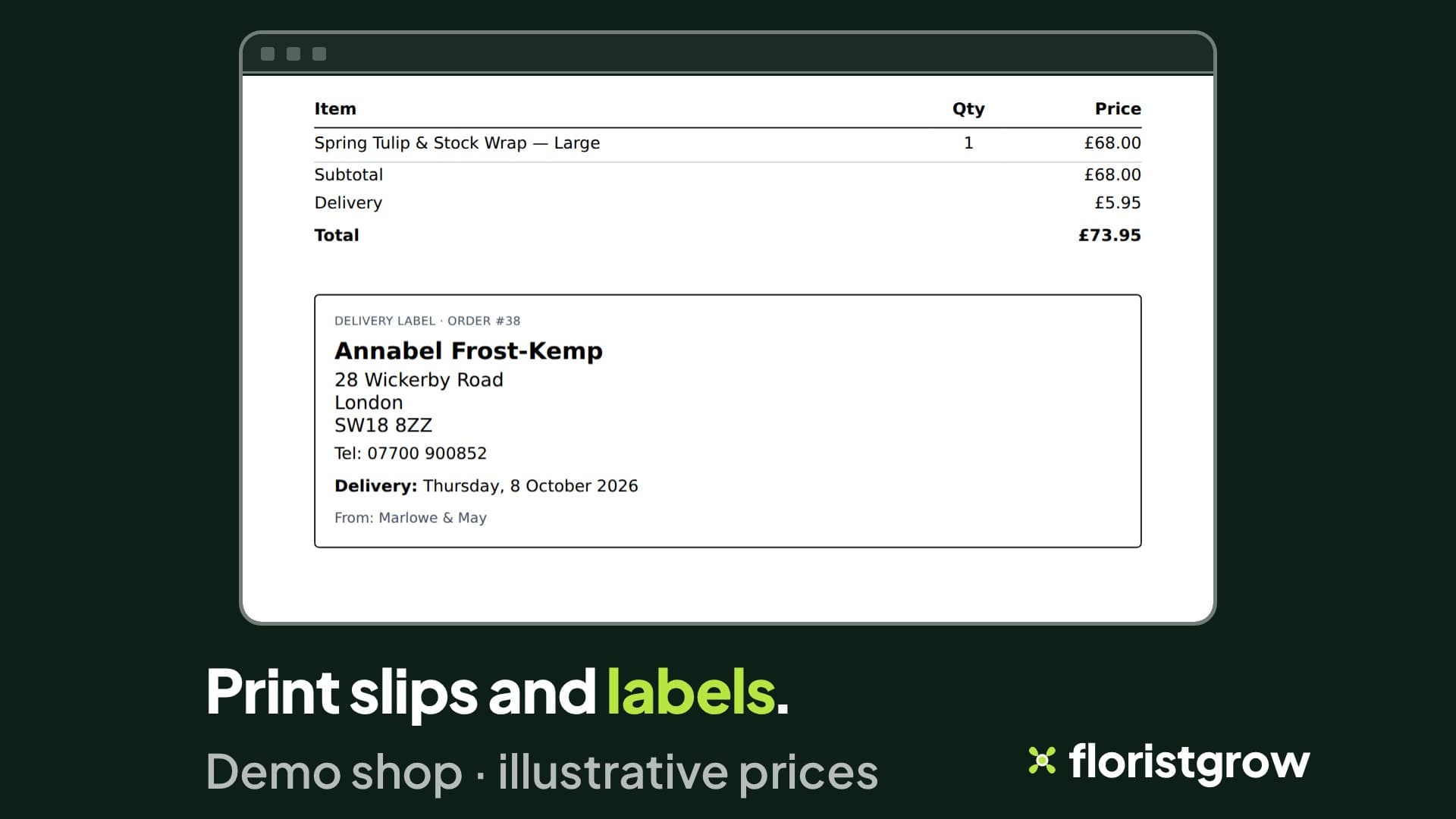
- Print gives a packing slip: who it is for, the occasion, the card message, your notes, the items, and a delivery or collection label.
- Sheet and labels adds, for each recipient, an A4 page with two peel-and-stick labels: one for the delivery or collection details, one for the card message. A multi-recipient order gets one label page per recipient.
Print a test page on plain paper and hold it against your label sheet before you print on the real thing: we do not name a label sheet to buy.
Card messages
Set how long a gift-card message may be, so what customers write fits what you can print.
What is not here yet
Staff logins, so your team can work orders under their own names, are coming. So is a driver view with delivery photos. Neither is part of the product today.
See an order go from placed to printed.
- £99 a month
- No commission on your sales
- No setup fee
- 30-day free trial, card required
While the founding offer is open · Founding rate £74.25 a month. Standard price £99 a month.