A florist delivery system that knows the calendar.
Postcode areas with a price for each. Cut-off times. Closed dates, bank holidays one by one, and holiday mode. Set the rules once, and the date picker on your shop follows them.
Where you deliver, and what it costs
Draw your delivery areas by postcode prefix, for example SW6, W6 and SW10. For each area, choose what you offer for same-day and next-day delivery: not offered, free, or a price you set. Add extra notice, from 0 to 14 working days, for a prefix that needs longer. Switch a prefix off without losing it from your list.
An area can hold many prefixes, and you can keep up to 50 areas.
When you will take orders
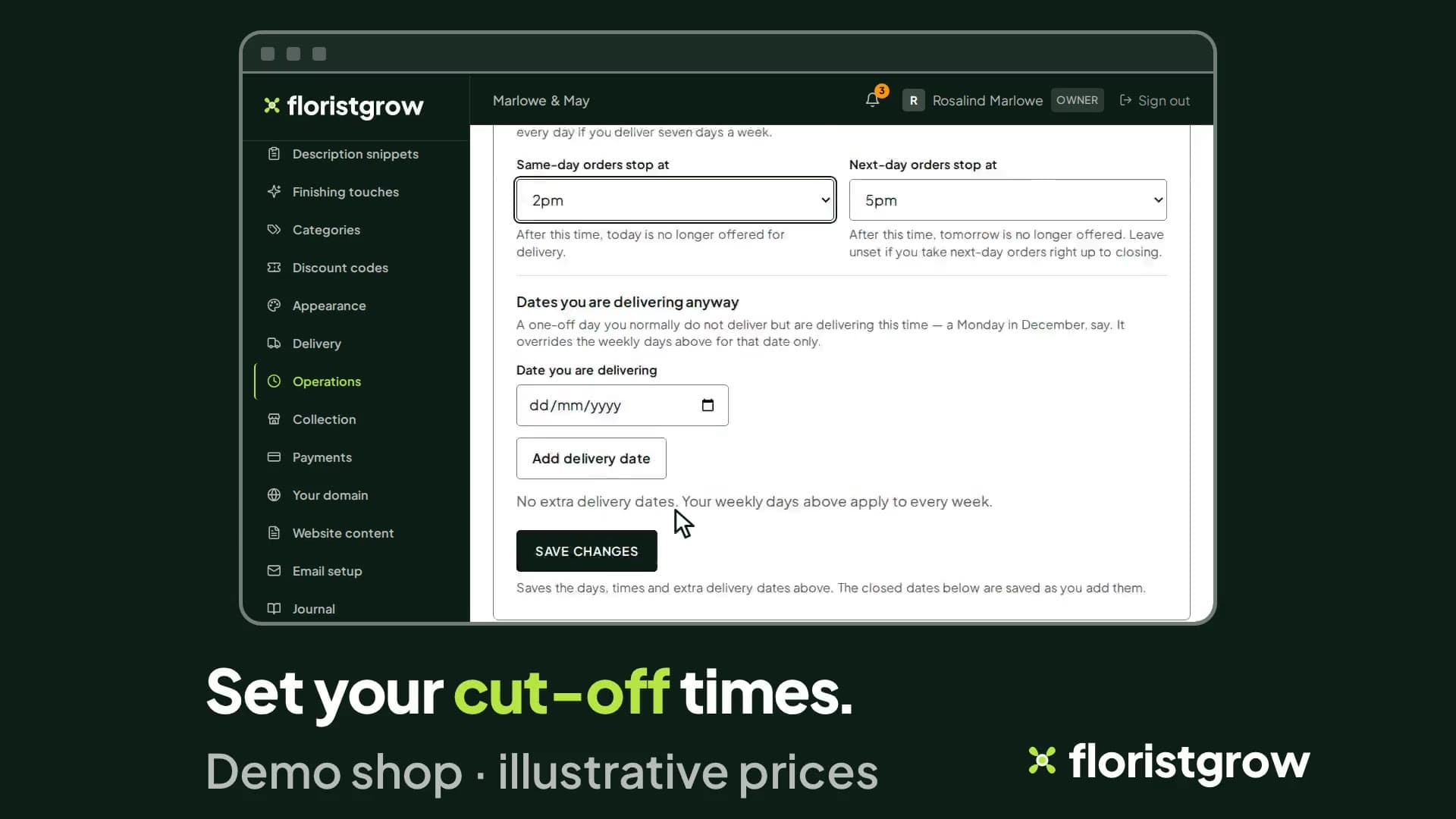
Cut-off times. Set an hour after which same-day delivery stops being offered, and another for next-day.
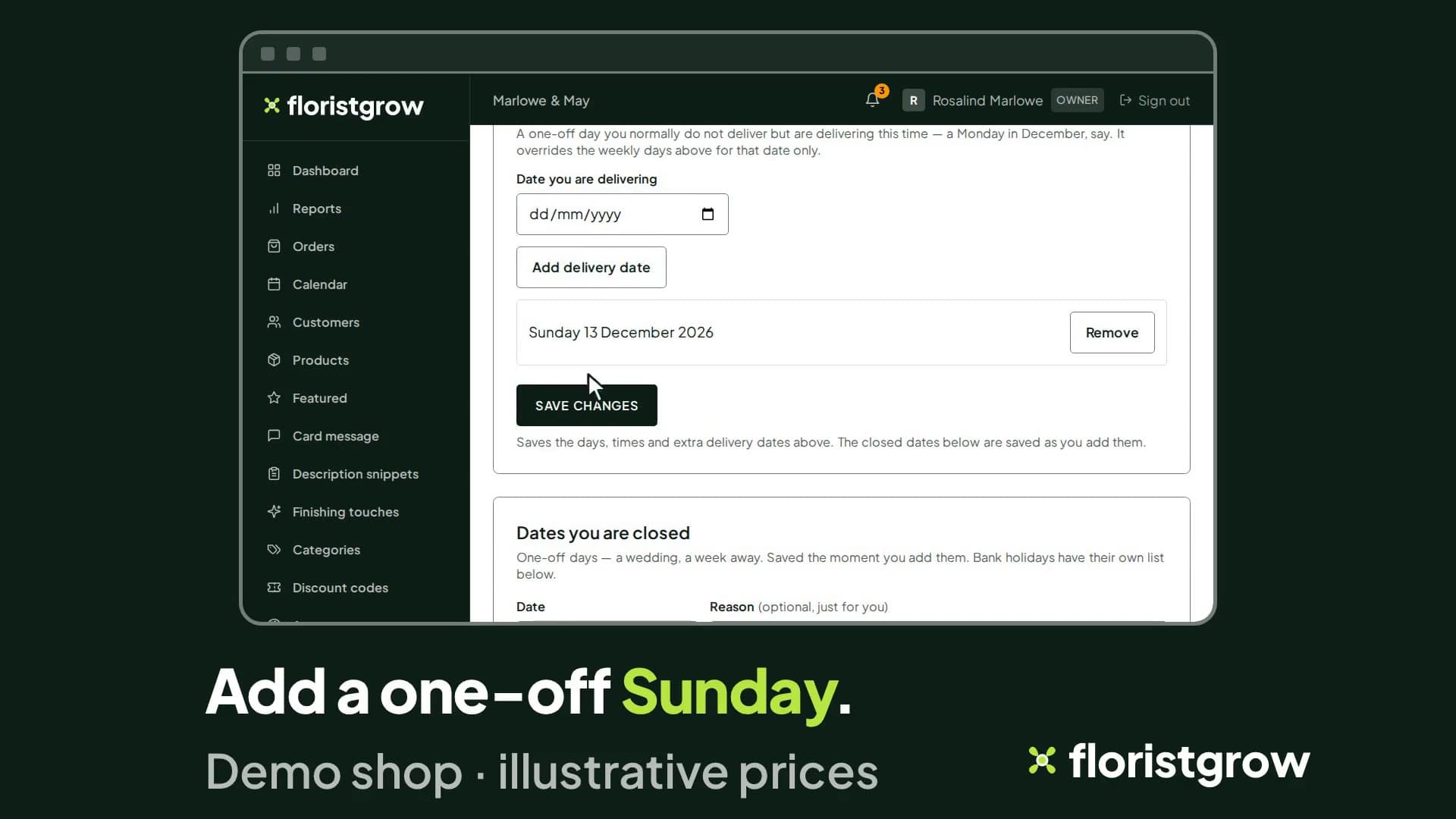
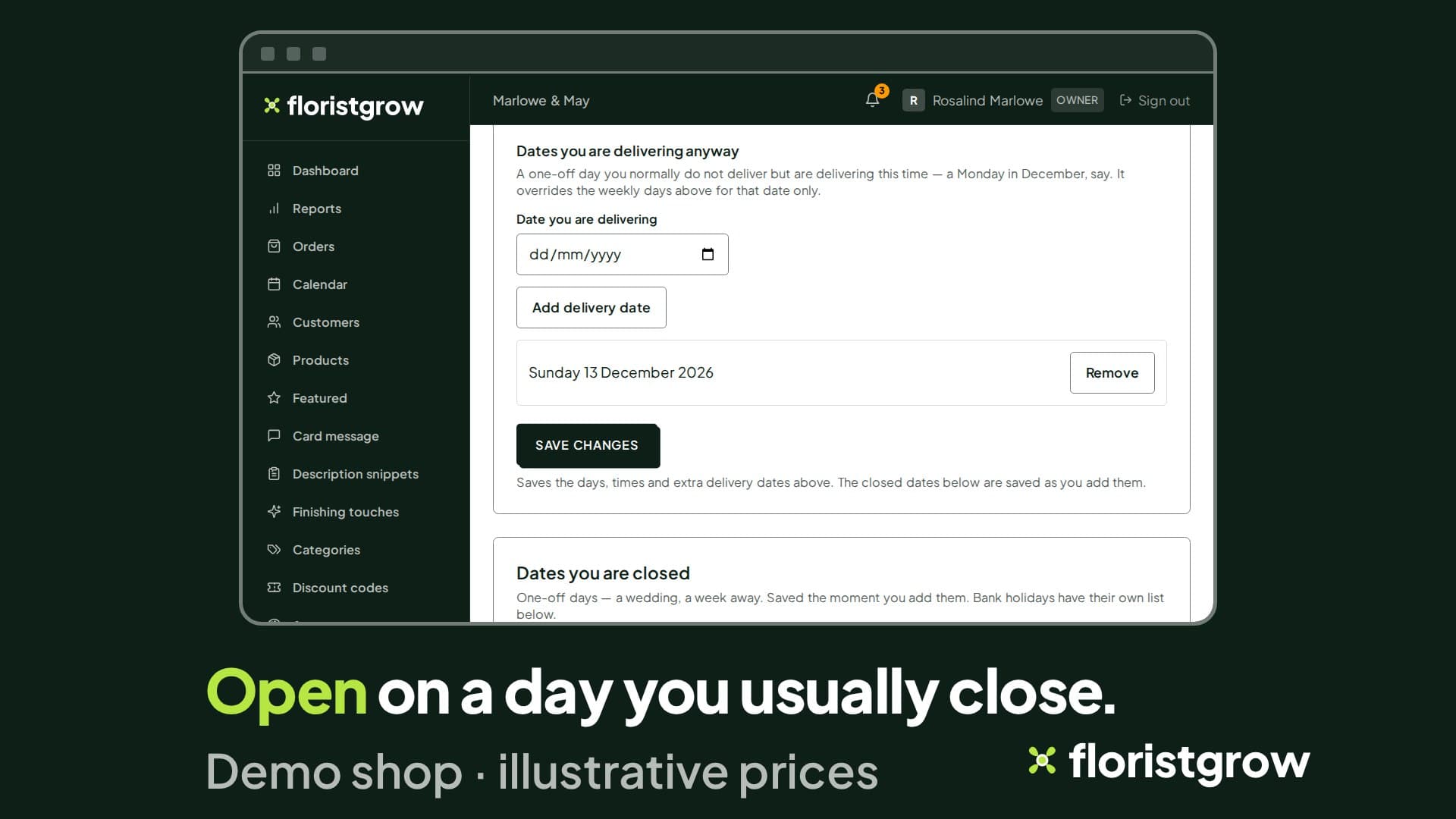
Your normal week. Tick the days you never deliver.
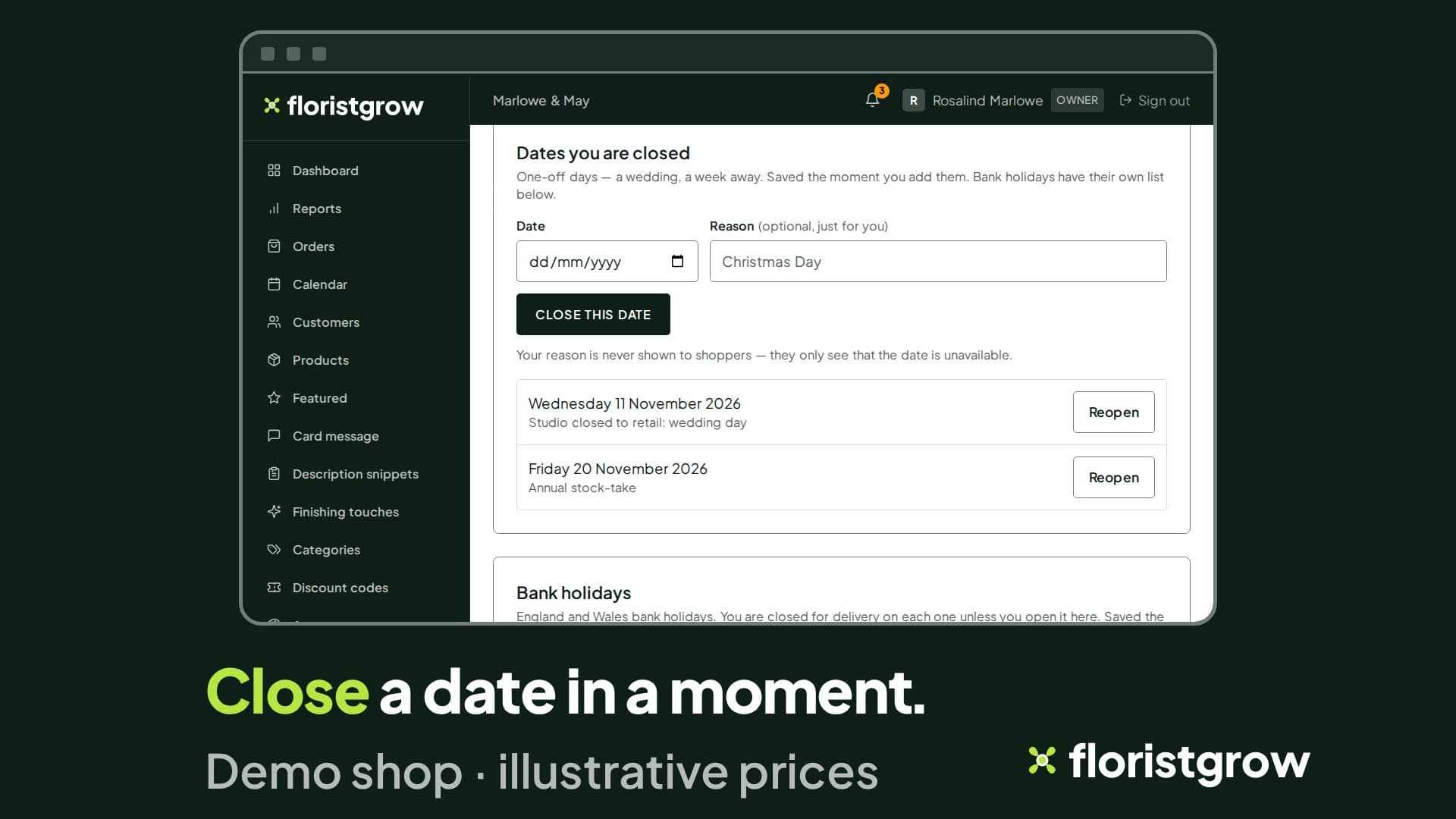
Closed dates. Click the dates on a calendar to close them: a wedding, a week away. Orders already booked for a closed date are not cancelled, and the page tells you so before you save.
The awkward days
Mothering Sunday is not a normal Sunday. Neither is the Tuesday after a bank holiday.
An illustration of one year. The bank holidays are England and Wales; the other dates are examples.
Bank holidays, one by one
Every England and Wales bank holiday for the next twelve months is on a list, each with its own Open and Closed switch. You are closed on each one unless you open it. The change saves the moment you make it.
Holiday mode
One switch closes your shop to new orders. Customers can still browse; checkout is replaced by your message. Pick a date and the shop reopens by itself on that morning, or leave it closed until you reopen it. Orders already placed are not cancelled.
Rules that belong to a product
Some flowers need more notice than others, and some only travel in season.
- Lead time per product. Same day, one working day or two, or use the shop default.
- Seasonal delivery dates. Give a product a first and last delivery date, and customers can only choose dates in that range.
- Delivery areas per product. Switch off an area for one product, such as an arrangement that will not travel far.
- Courier per product. Keep one product local, or collection only, by switching national courier off for it.
National courier
Offer courier delivery nationwide at a price you set, next day only, with its own blocked dates.
Click and collect
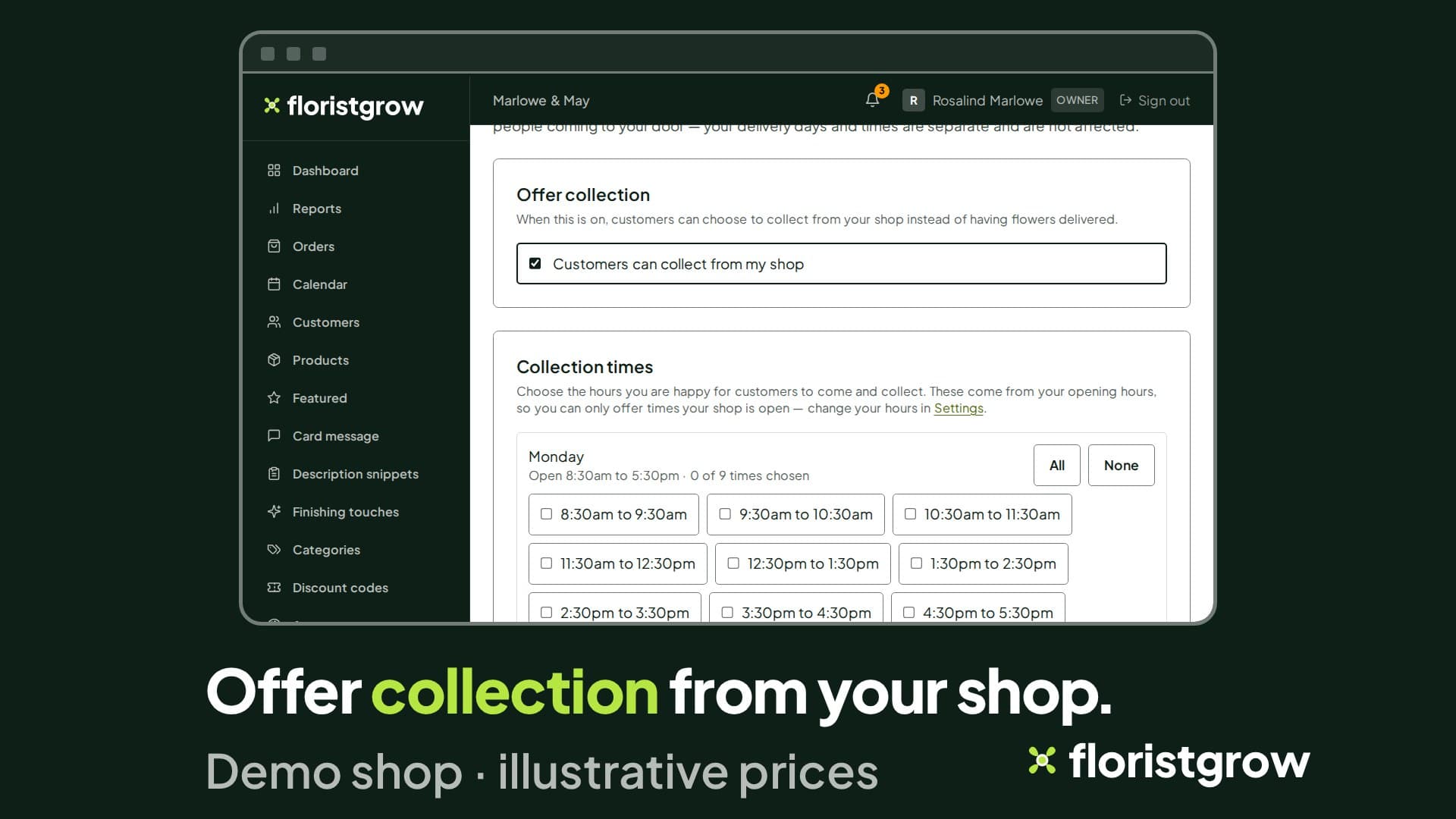
Switch collection on and choose your collection days and times. Close collection dates, and open or close each bank holiday, on collection’s own calendar. Collection orders show the customer your shop address.
What the customer sees
The date picker on your shop greys out closed days and dates that have missed your cut-off. It honours holiday mode. The shop checks the date again when the order is placed. If an order still gets through after you have closed the shop, it is flagged on the order (“Placed while your shop was closed”) so you can ring the customer.
For an order to several people, you can set a fee for each extra address.
See delivery areas and cut-offs being set.
- £99 a month
- No commission on your sales
- No setup fee
- 30-day free trial, card required
While the founding offer is open · Founding rate £74.25 a month. Standard price £99 a month.