A florist ecommerce website, and the tools behind it.
Six areas, one portal. Each page below says what is live today. Anything that is not live yet is marked “coming”, with no dates.
The six areas
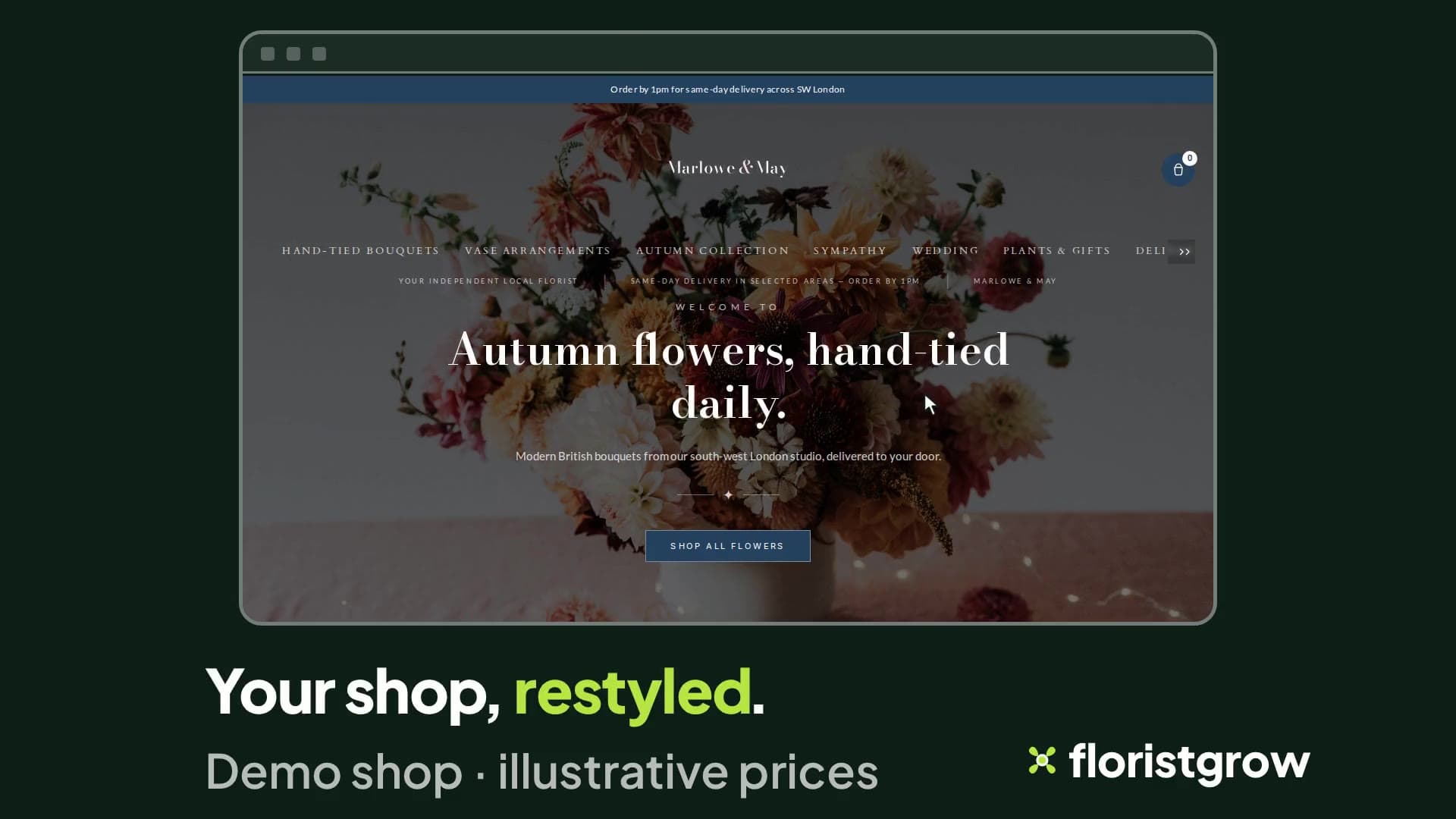
Colours and headline changed in the portal, published, and the shop restyled. Your shop website and design
Your colours, fonts, logo, homepage sections and your own web address. Categories, seasonal pages, a journal and galleries. You preview, then publish, and a contrast check warns you when colours are hard to read.
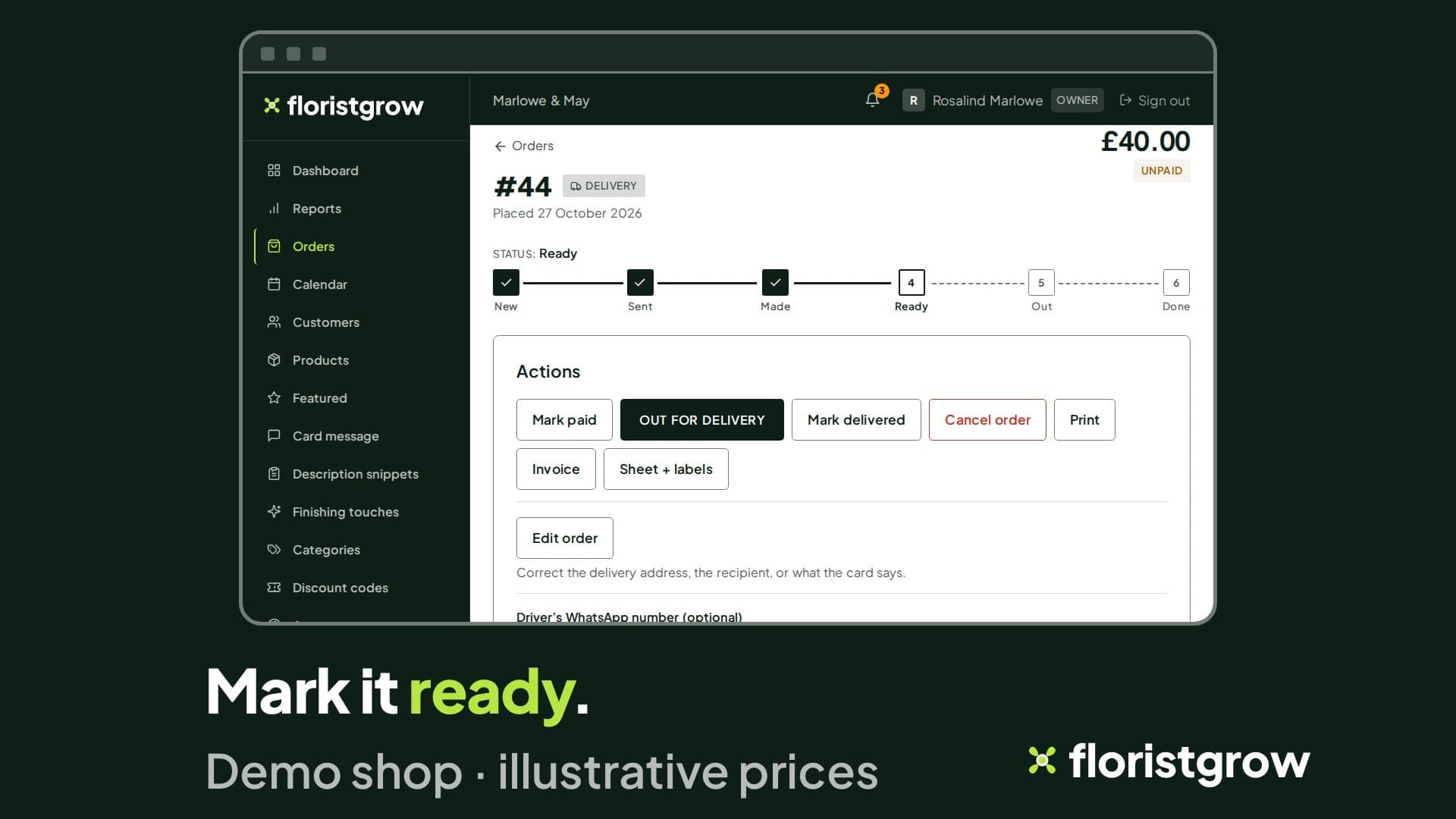
An order is taken, marked ready, and its slip printed. Orders and production
Orders as a list or as cards on your phone. Phone and walk-in orders, edits after the order is placed, one order to several recipients, funeral details, packing slips and labels.
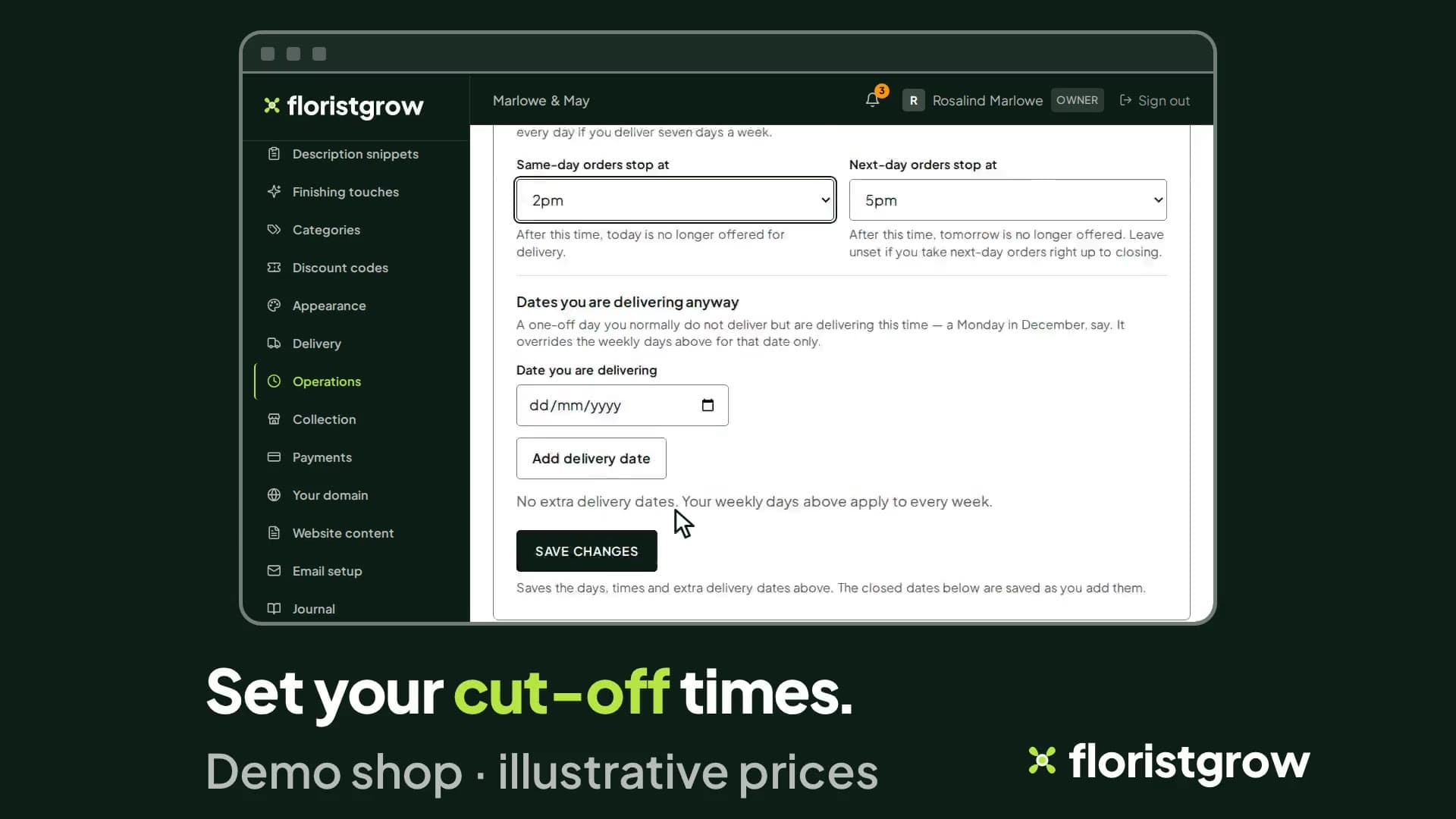
Delivery areas with a price each, the same-day cut-off time, and the days the shop is closed. Delivery and collection
Delivery areas by postcode with a price for each, cut-off times, closed dates, bank holidays one by one, holiday mode, click and collect, national courier. The shopper’s date picker follows your rules.
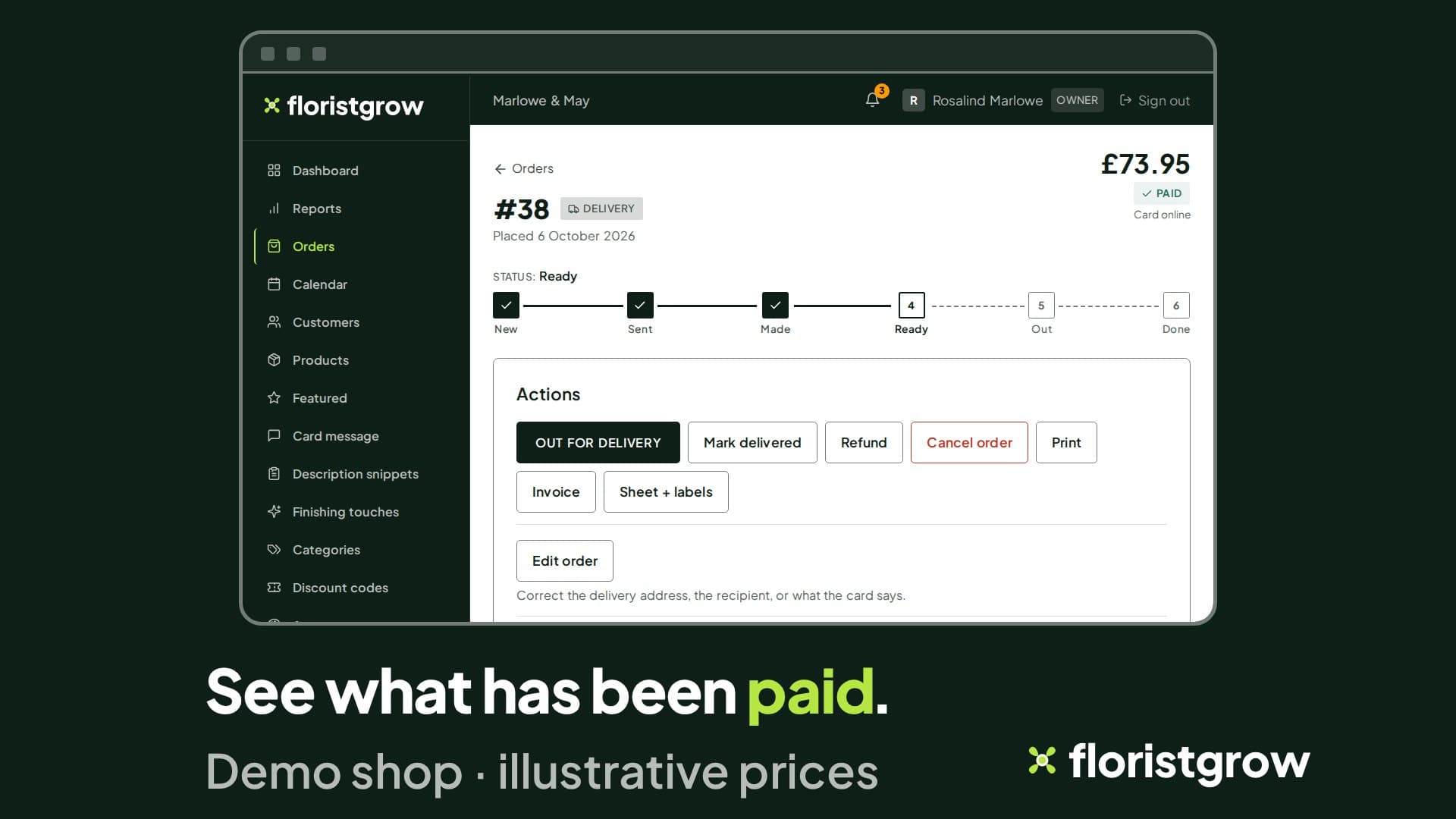
Payments and invoices
Card payments at checkout, set up to settle in your own Stripe account, less Stripe’s fees. No commission on your sales. Numbered invoices, credit notes, monthly statements.
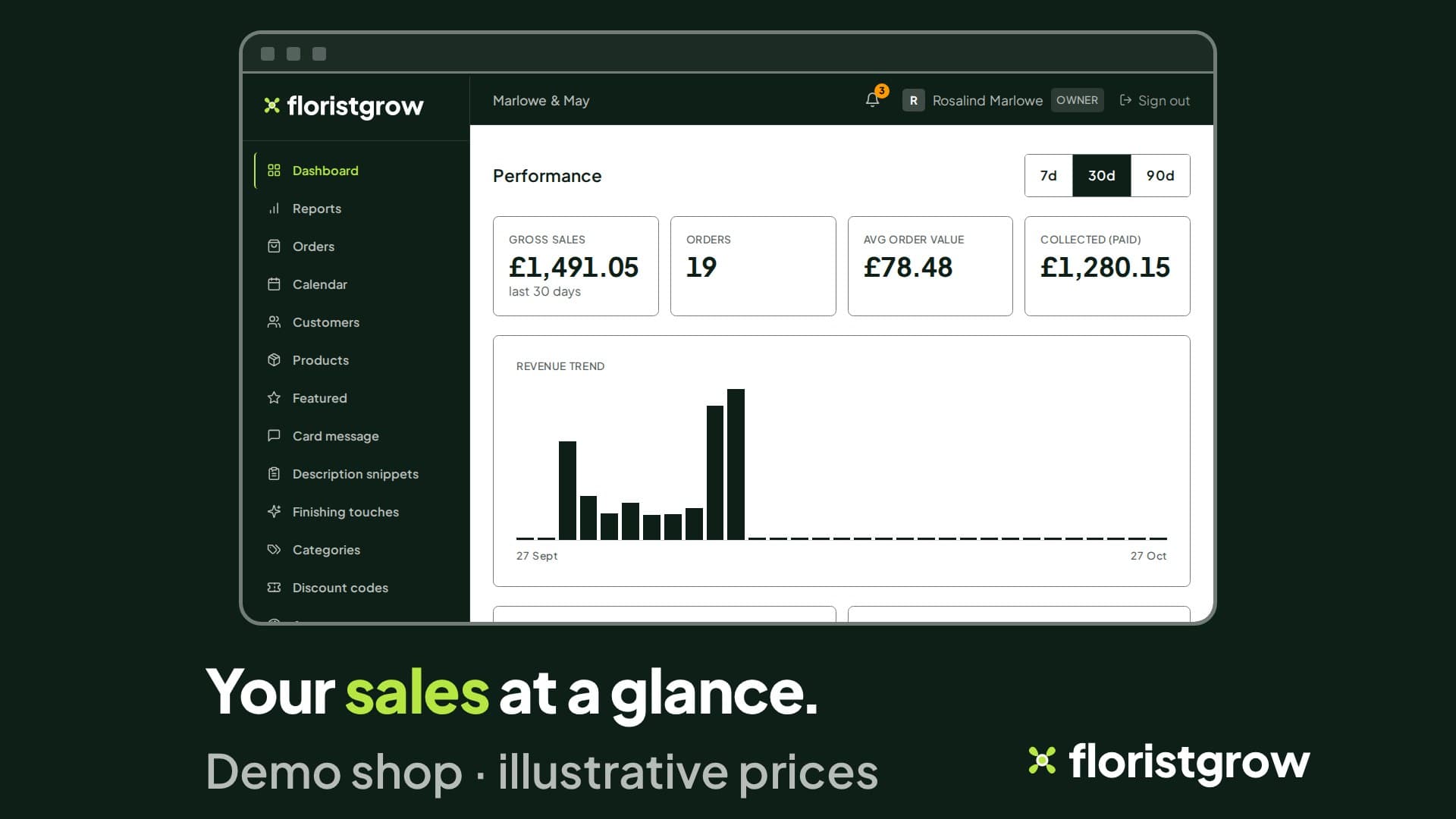
Customers and reports
A customer list with spend, a blocklist, shopper accounts that belong to your shop only, sales reports with a CSV, and Google Analytics and Search Console figures on your dashboard once connected.
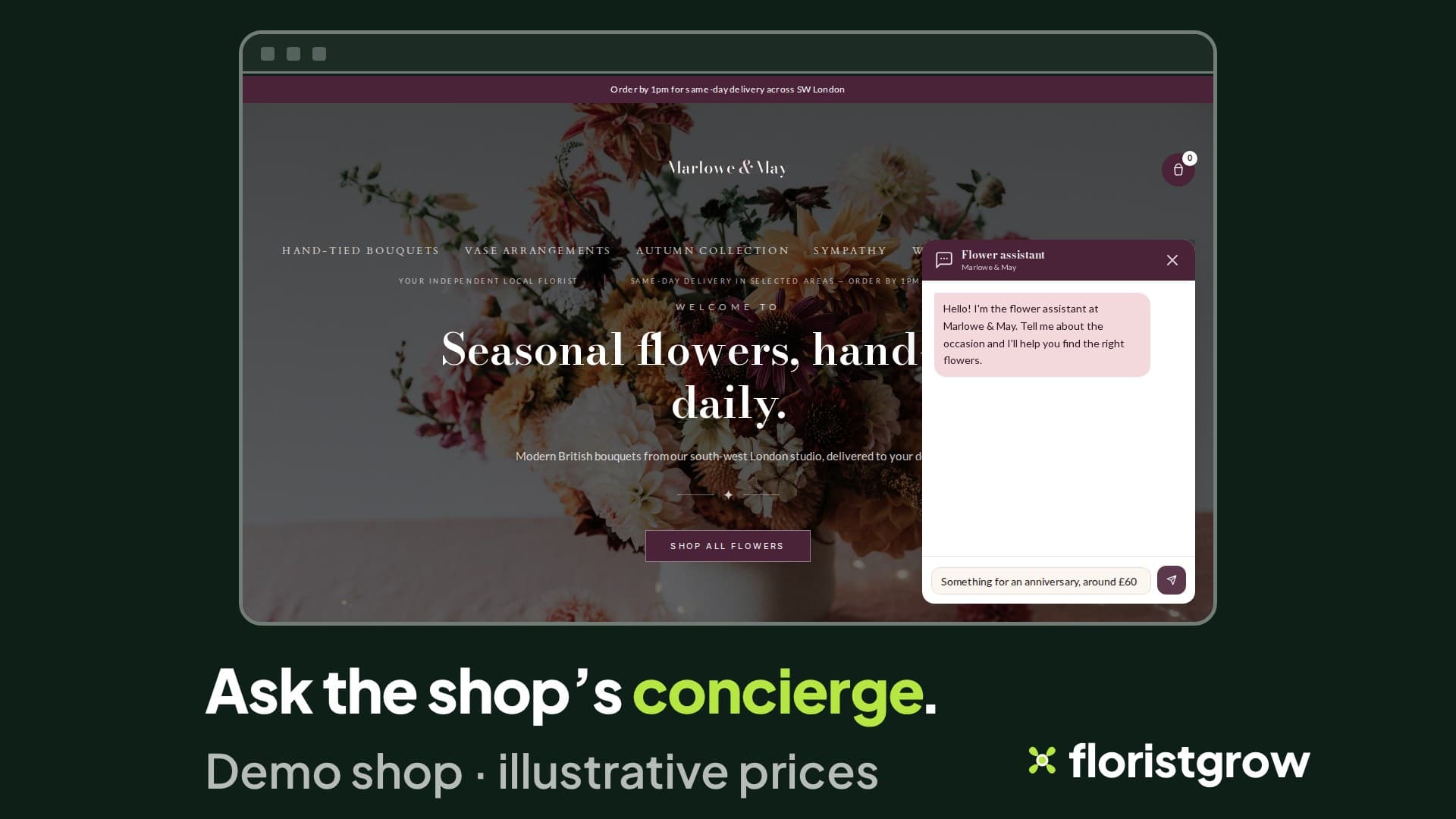
AI
A shopper concierge that recommends products from your live catalogue. Sprout, a help chat inside the portal, and a paid FloristGrow AI assistant are coming.
The detail that matters in a florist’s year
These are the parts that decide whether the shop keeps to your week.
| Feature | In one line | Page |
|---|---|---|
| Bank holidays, one by one | Every England and Wales bank holiday has its own Open and Closed switch. | Delivery and collection |
| Holiday mode | One switch stops new orders while you are away, with your message and an optional reopening date. | Delivery and collection |
| Open this Sunday | A one-off delivery date on a day you normally close. | Delivery and collection |
| Seasonal categories on a timer | A category switches itself on and off between two dates, every year. | Your shop website |
| Multi-recipient orders | One order, several recipients, each with their own address, card message and date. | Orders and production |
| Print slips and labels | Packing slip, order sheet and peel-and-stick labels. | Orders and production |
| Numbered invoices and credit notes | Numbered invoices; a credit note when you refund. | Payments and invoices |
| Monthly statements | One page per customer per month, for customers who pay monthly. | Payments and invoices |
| Appearance editor with contrast check | Preview, check, publish. The check warns about hard-to-read colours and blocks the worst. | Your shop website |
| Google Analytics and Search Console on your dashboard | Once connected, the figures sit next to your sales. | Customers and reports |
| The shopper concierge | Recommends products from your live catalogue, with photos. | AI |
| Sign in with an emailed link | No password to remember. | (this page) |
- Bank holidays, one by one
- Every England and Wales bank holiday has its own Open and Closed switch.
- Delivery and collection
- Holiday mode
- One switch stops new orders while you are away, with your message and an optional reopening date.
- Delivery and collection
- Seasonal categories on a timer
- A category switches itself on and off between two dates, every year.
- Your shop website
- Multi-recipient orders
- One order, several recipients, each with their own address, card message and date.
- Orders and production
- Numbered invoices and credit notes
- Numbered invoices; a credit note when you refund.
- Payments and invoices
- Monthly statements
- One page per customer per month, for customers who pay monthly.
- Payments and invoices
- Appearance editor with contrast check
- Preview, check, publish. The check warns about hard-to-read colours and blocks the worst.
- Your shop website
- Google Analytics and Search Console on your dashboard
- Once connected, the figures sit next to your sales.
- Customers and reports
- Sign in with an emailed link
- No password to remember.
- (this page)
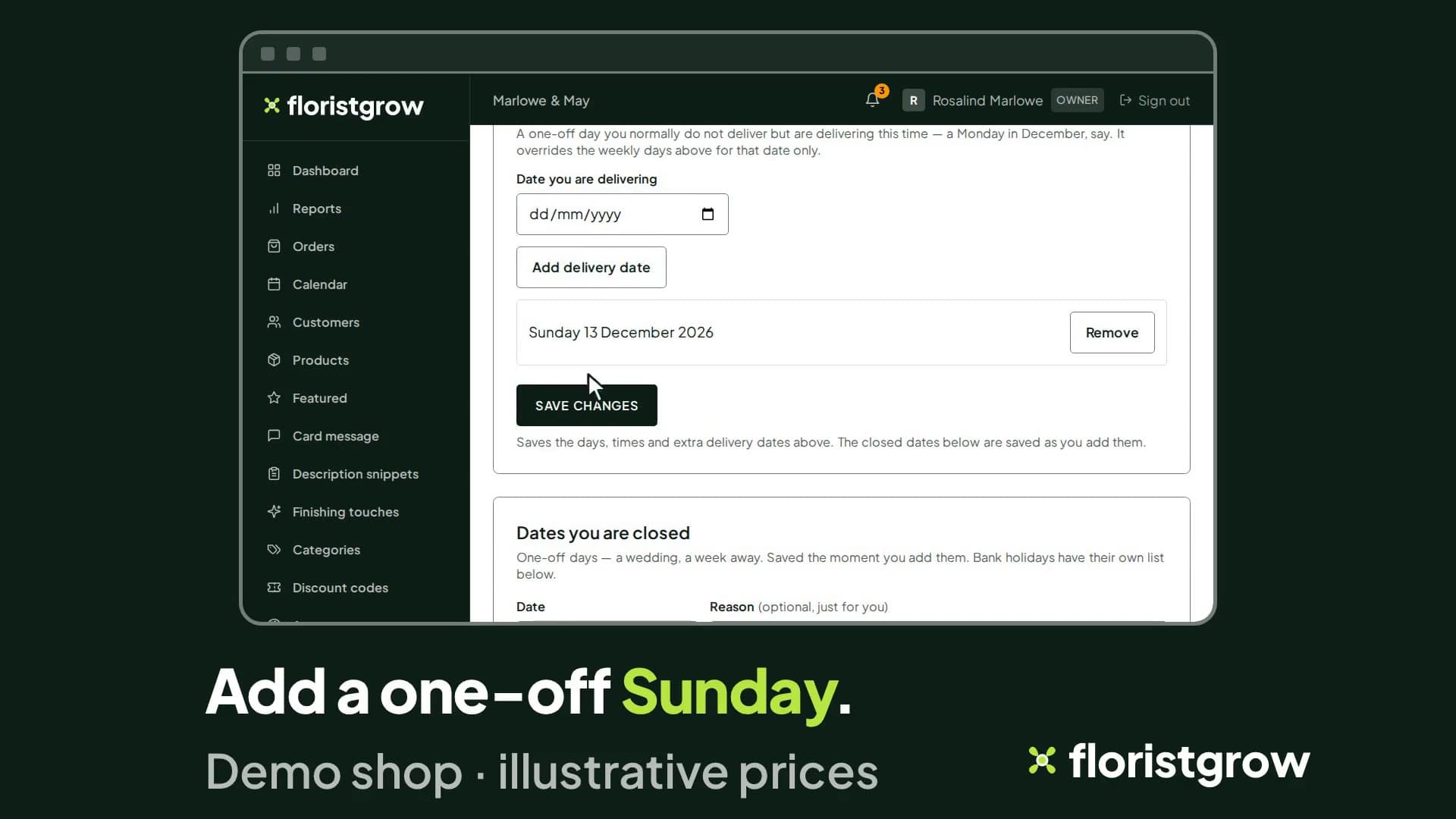
A bank holiday switched to open, then a one-off Sunday delivery date added. 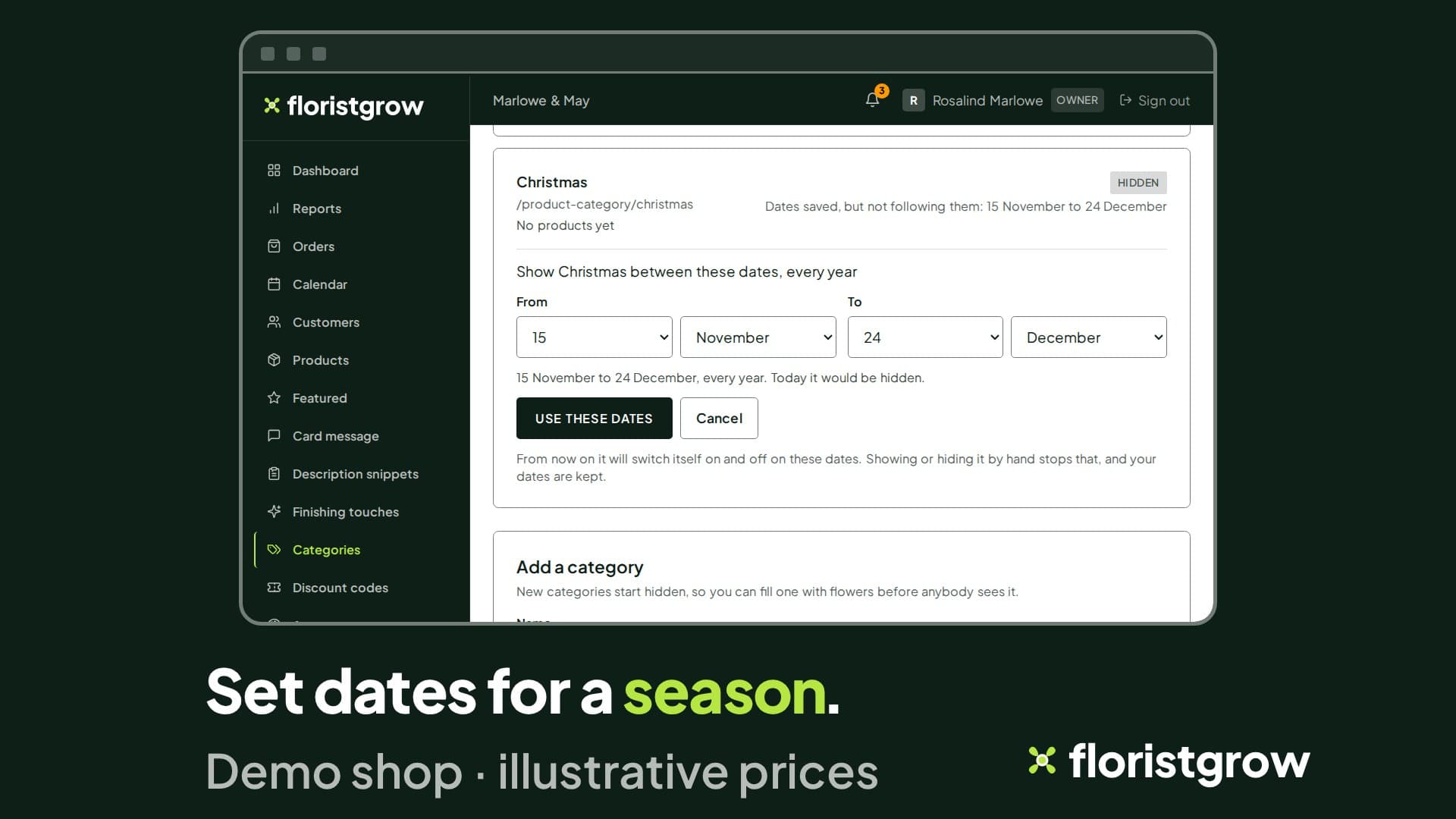
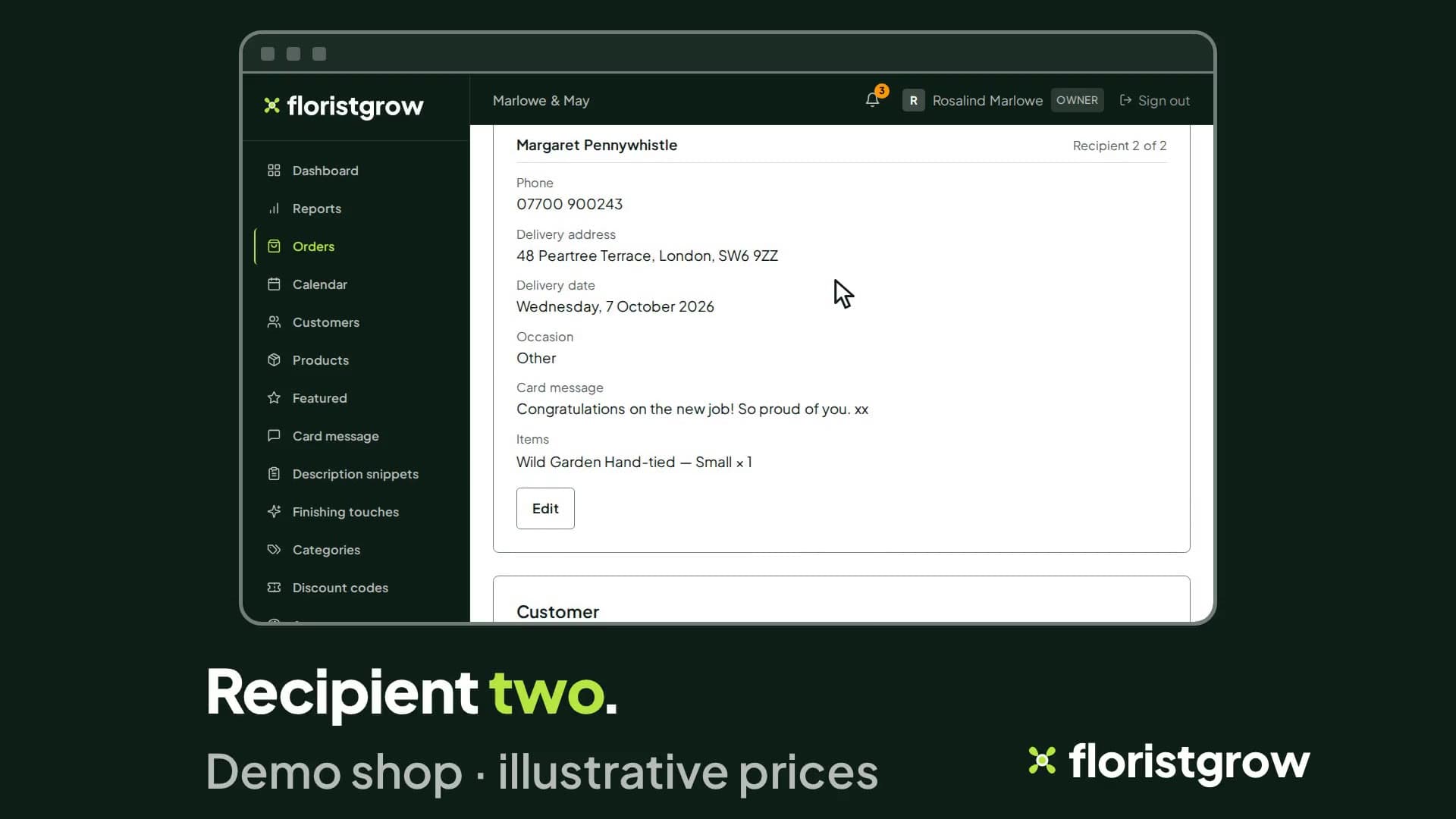
One order, two deliveries: each recipient with their own address, date and card message.
Coming
These are built but switched off, in review, or planned. None has a date, and none is part of the product today.
- Staff logins with Manager, Florist and Driver roles. Extra staff logins will be a paid extra.
- A driver view with delivery photos and “couldn’t deliver” notes.
- Discount codes.
- A support desk inside the portal.
- Sprout, a help chat inside the portal. Built and switched off. At the moment we do not charge for it.
- The FloristGrow AI assistant, a paid add-on.
What FloristGrow is not
FloristGrow is an online shop and an order system. It is not a till, and it does not manage stock. We would rather you knew now.
- £99 a month
- No commission on your sales
- No setup fee
- 30-day free trial, card required
While the founding offer is open · Founding rate £74.25 a month. Standard price £99 a month.